FocusWriter – A Review
Distraction Free Writing Bliss

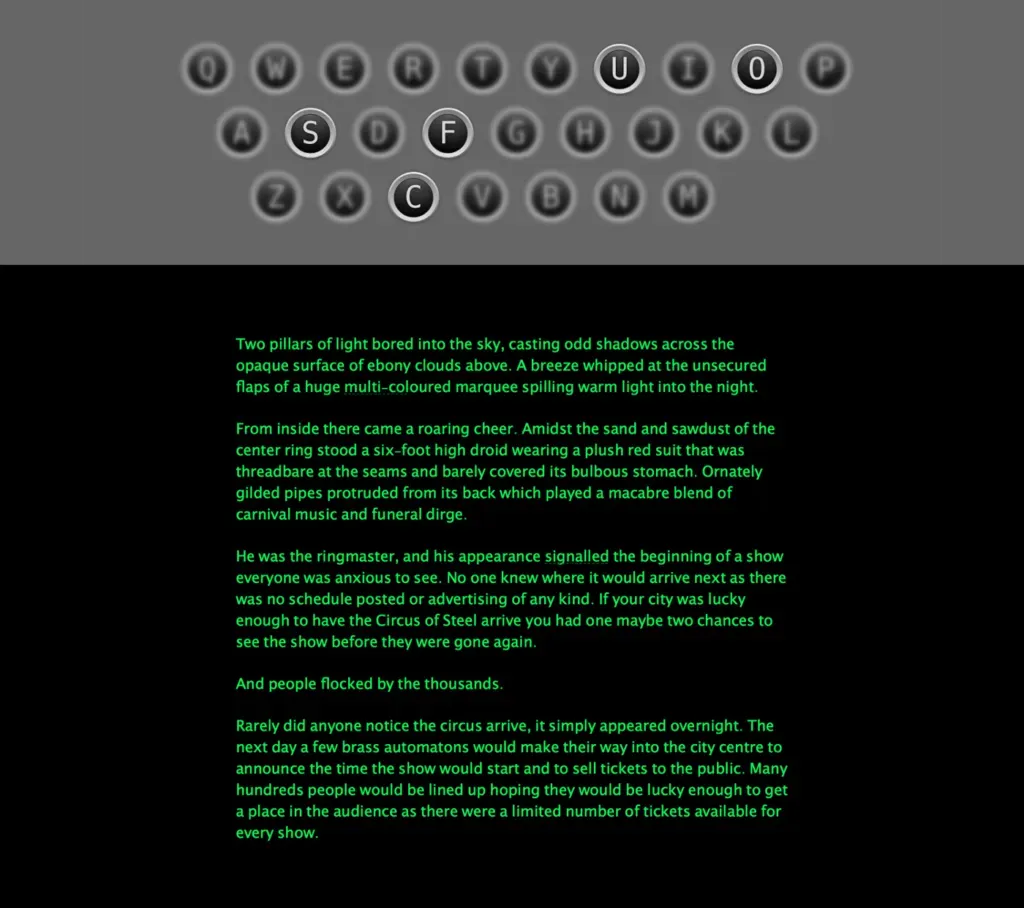
There are plenty of distraction free writing applications, and I’ve used a swath of them, none capturing exactly what I wanted.
I realised pretty quickly that what I wanted was a distraction free writing environment that had a host of smart features hidden away but totally at fingertip.
Now as some of you may know I use both Mac and Windows platforms, and of course its difficult at best to find a developer that writes cross-platform software at the best of times.
I tried WriteRoom for Mac, which although does what it says on the box, but of course I have a Windows laptop so it wasn’t suitable for on the go writing.
Next was DarkRoom, a direct clone of WriteRoom. While this is written for Windows, its heavily dependent on .Net, and although this is fine for my laptop its not good for portability if I wanted to use it off a USB Key (not all machines have .Net unfortunately).
PyRoom was a good compromise but lacked features, so I was still looking for a perfect solution. Q10 was also a winner, but as it had lacked active development for a while and wasn’t cross platform.
Then through a complete stroke of luck I was checking out some freeware products and stumbled upon Focus Writer from Gottcode.org.
- Is it cross-platform? Yep
- Does it have better features than the competition? Yep
- Dependant on a required framework? Nope
Focus Writer is the masterpiece of distraction free writing, lightweight, cross-platform, feature rich glorious writing application that packs a punch.
Its flexibly customisable, meaning you can make it look and feel exactly how you want, green/orange on black terminal style? want an image in the background? specific font or text widths?
Just whip up a theme and you can have the look and feel you want.
But most distraction free writers can do this, where Focus Writer shines is in the details, extremely well integrated spell checking, daily goals and totals that are easy to set up and track, live stats-as-you-type about your current document and a tabbed document interface.
Opening documents side-by-side in a tabbed environment is paramount to successful writing. You can have your main document you are writing open along with a notes document, this is glorious to keep track of where your writing is going.
Some other writers of this type provide you with a keyboard full of shortcuts to control the application (I’m looking squarely at you Q10) but Focus Writer tucks them nicely into the top and bottom of the screen, just a mouse over away, this means less chance you’ll hit some weird key combination by accident and ruin the document you are on currently.
Long story short (no pun intended… no really… REALLY) Focus Writer is a godsend, its an amazingly flexible writing application that I can’t praise enough.
Give it a try now: